Blue Team Labs Barcode World Writeup: Decoding Thousands of Barcodes with Python
A Blue Team Labs Online Barcode World walkthrough using Python, OpenCV, and pyzbar to decode many barcode images and reconstruct the final message.
Barcode World is a Blue Team Labs Online scripting challenge. The task gives a large collection of barcode images, so the practical solution is to automate the decoding process and then convert the decoded output into readable text.
Description
The challenge asks, Do you know the history of barcodes? The provided material includes many barcode images, which makes a manual approach inefficient.
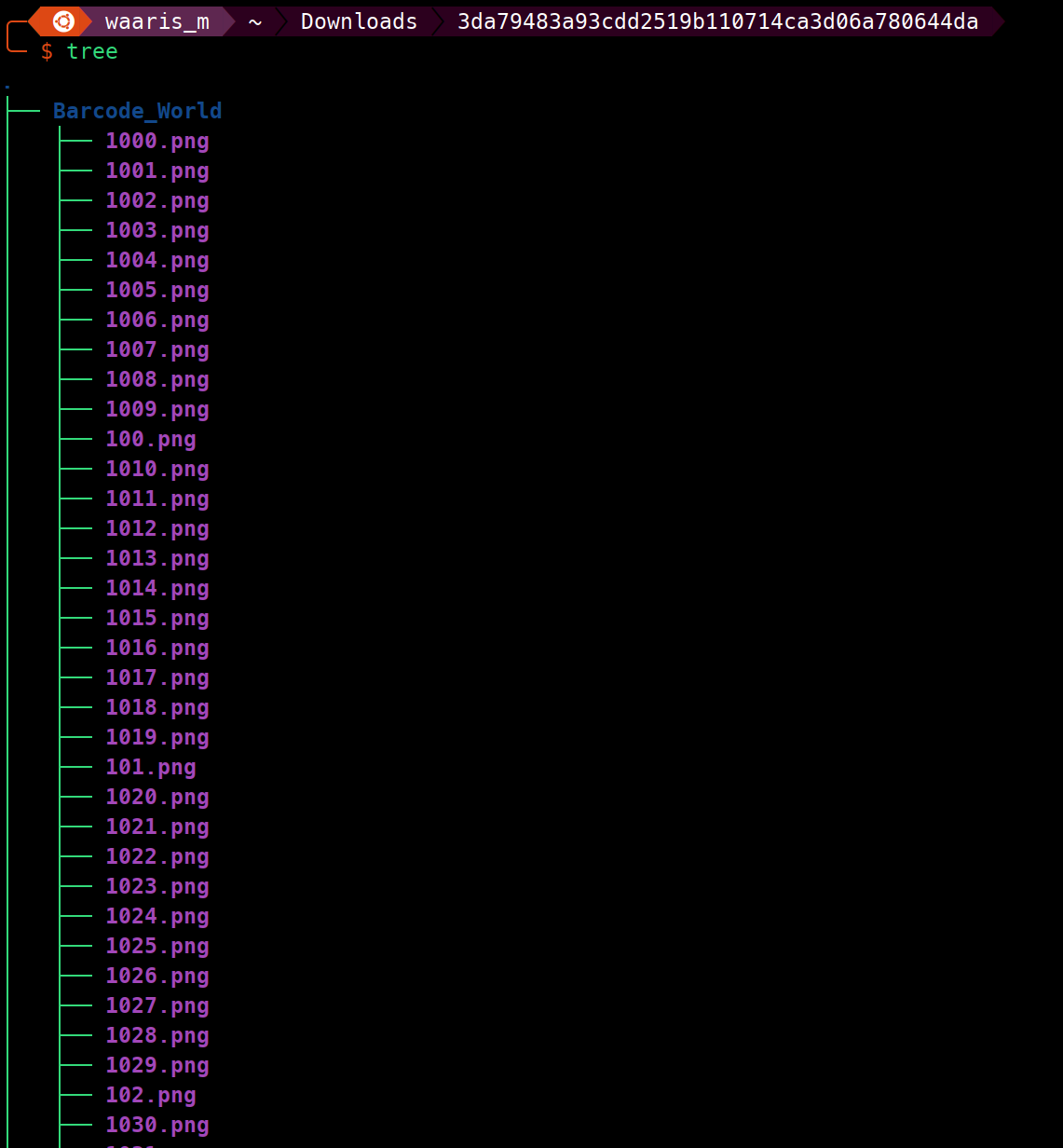
Challenge Submission
I used OpenCV to read each image and pyzbar to decode the barcode data. Every decoded value was appended into a list, joined into one long string, and printed.
import cv2
from pyzbar.pyzbar import decode

barcode_world = []

for i in range(1, 9375):
    image_path = f'Barcode_World/{i}.png'
    image = cv2.imread(image_path)

    detectedBarcodes = decode(image)

    for barcode in detectedBarcodes:
        if barcode.data:
            barcode_world.append(barcode.data.decode())

barcode_world_conChar = "".join(barcode_world)
print(barcode_world_conChar)
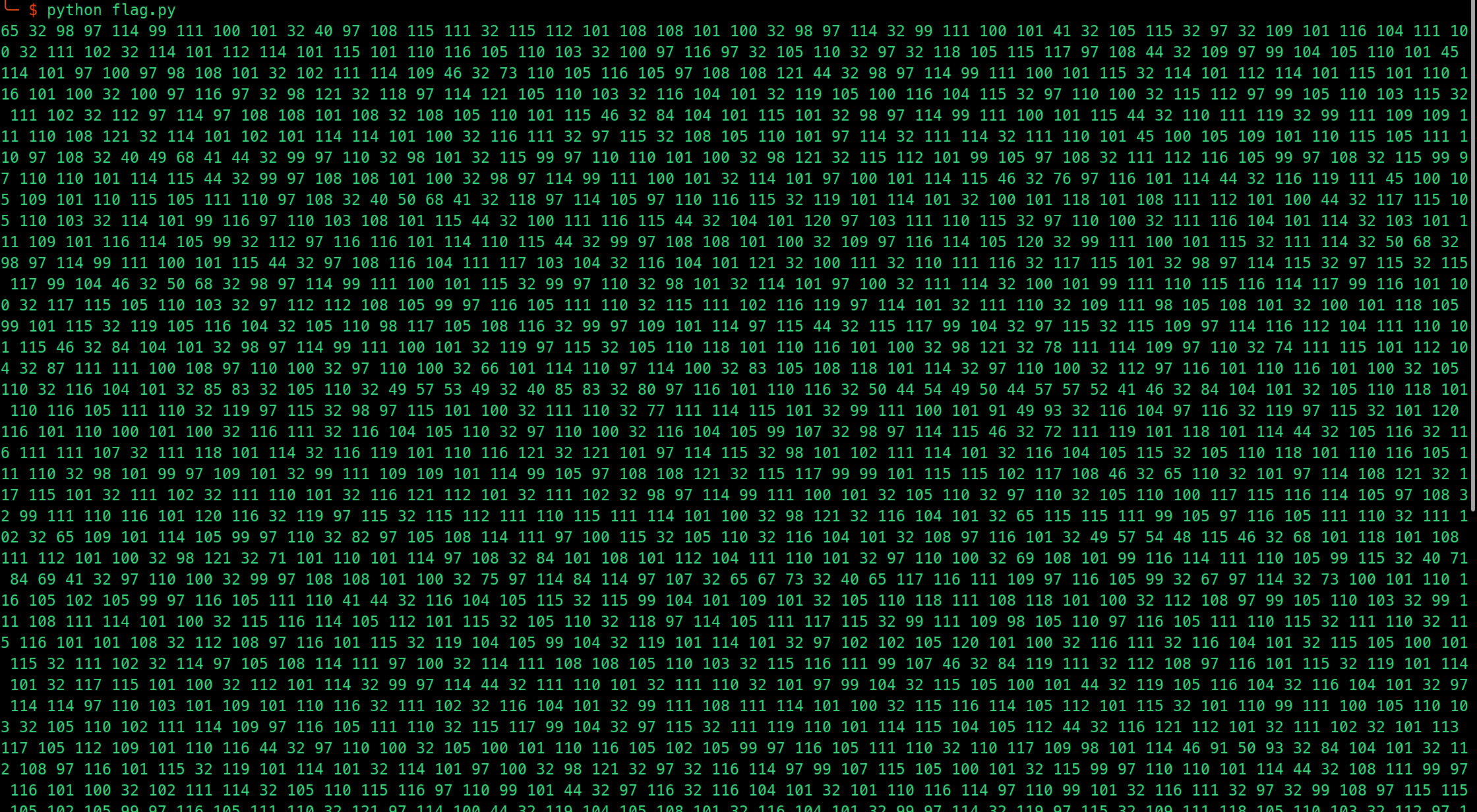
ASCII Conversion
The decoded output was still represented as ASCII-style character data, so I converted it into text to recover the final flag.
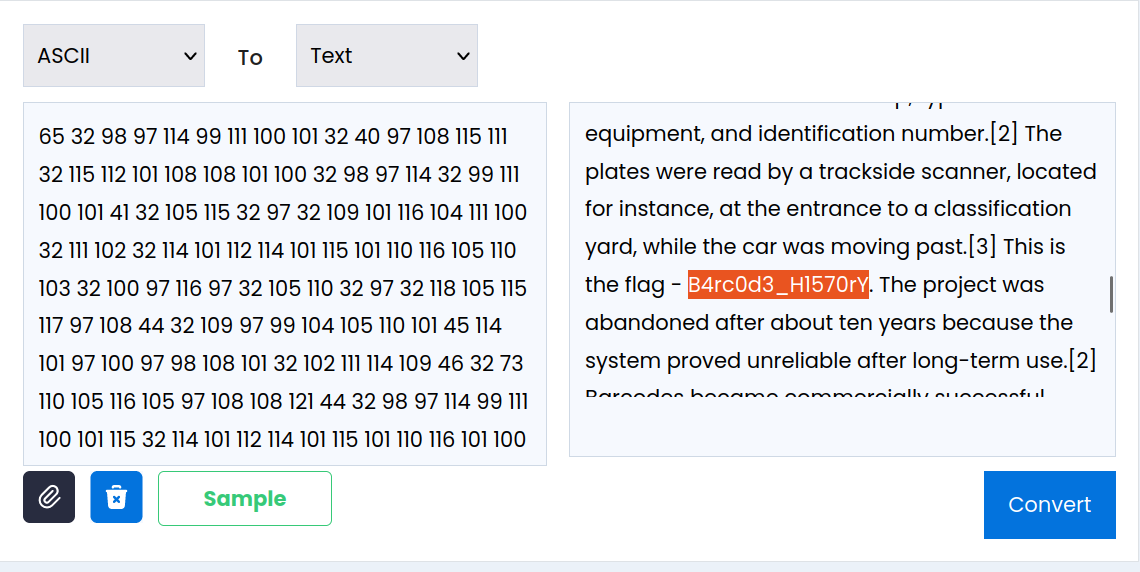
Do you know the history of barcodes?
Answer: STB{B4rc0d3_H1570rY}
Key Takeaways
- When evidence is split across thousands of artifacts, scripting becomes part of the investigation.
- OpenCV plus pyzbar is a straightforward stack for batch barcode decoding.
- Decoded data may still need a second transformation before the final answer is readable.